
This article will walk you through the steps of resetting a gateway.
Important: ROAR Support monitors Gateway status and will proactively reach out when Gateways are no longer online. Do not reset gateways unless instructed to do so by ROAR Support.
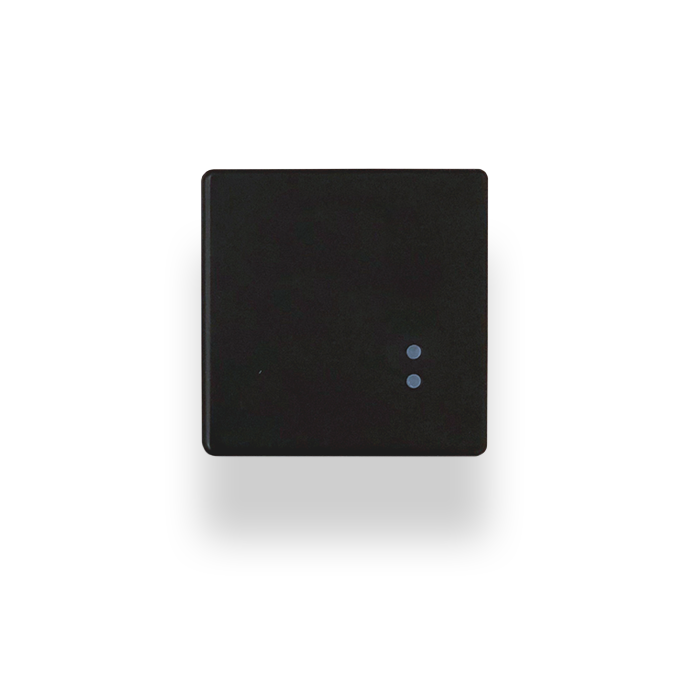
(Image of a Gateway)
Gateways are powered by a Micro-USB plug, and the plug is located on the side to the left of the blue LED lights. The Gateways must be connected to power at all times. A blinking blue LED indicates that the Gateway is connected to the network of Smart Beacons.
Resetting a Gateway
- Unplug the power cord connected to the Gateway and wait 15 seconds
- Plugin the power cord to the Gateway
- Confirm the blue LED light on the gateway is blinking
If you are having issues resetting your gateway, or if the blue LED lights on the gateway are not flashing, contact support using this link.
Comments
0 comments
Article is closed for comments.